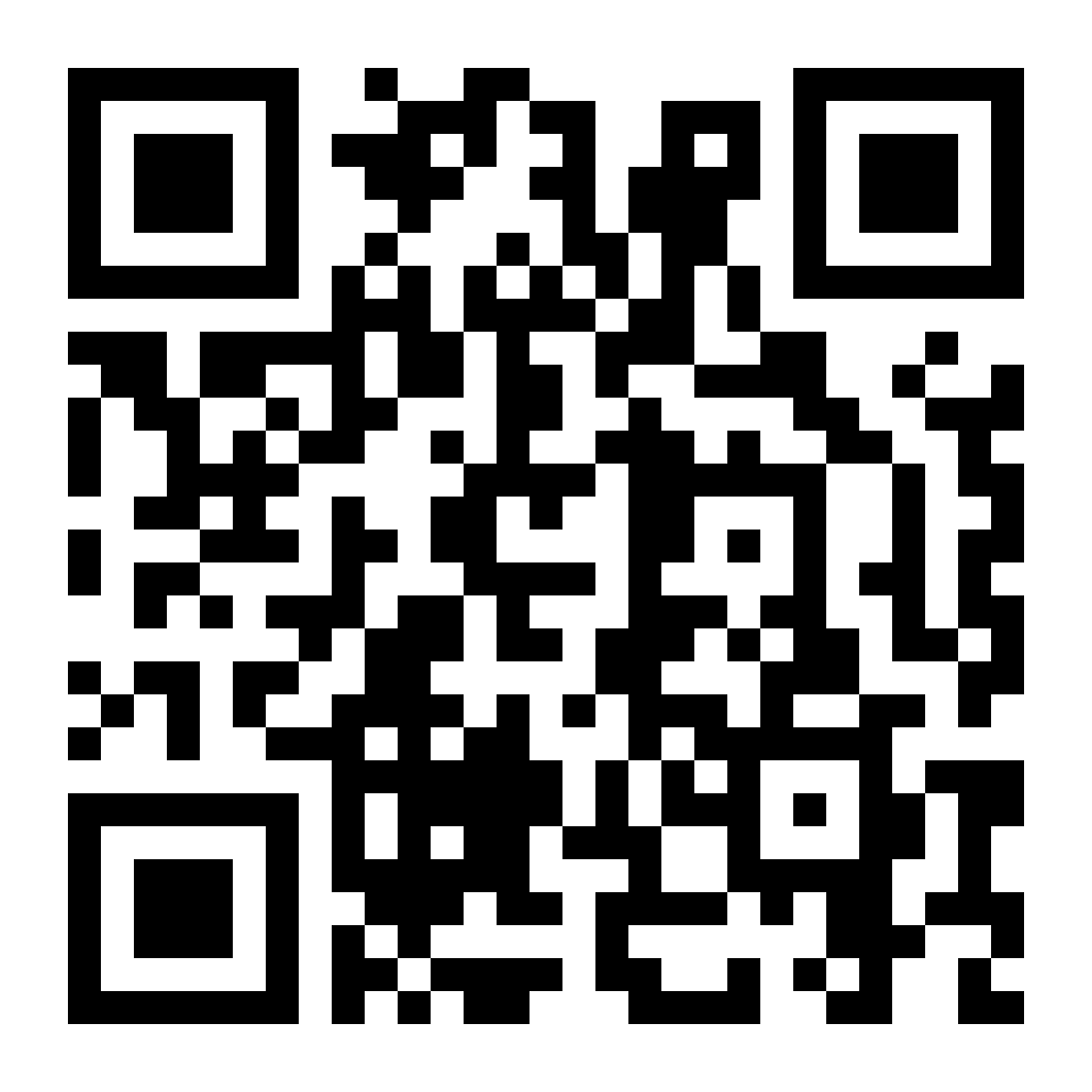
Is Public Wi-Fi Safe? What to Know Before Using Hotel Wi-Fi
Public Wi‑Fi is not automatically dangerous, but it changes the risk for anything involving money or account access. This guide explains the most common hotel Wi‑Fi traps, like lookalike networks and fake login pages. You will get a clear rule of thumb for what is fine to do on public Wi‑Fi.
Key Takeaways
- Public Wi‑Fi is usually fine for low-stakes browsing, but it is the wrong place to take avoidable risks with account access.
- Most sites use encryption now, yet fake networks and fake login pages can still trick you into handing over credentials.
- If you use KAST while traveling, treat “move funds or change settings” as a cue to switch to mobile data or use a VPN first.
You’re in a hotel lobby.
Your phone battery is hanging on at 7%. You need to fund your account, pay for something, or move money around.
The Wi‑Fi is free. The password is sitting on a little stand next to the bowl of mints.
It feels normal. Everyone’s using it.
But normal and secure aren’t the same thing.
Public Wi‑Fi is a network you don’t control. That does not mean disaster is waiting. It means you should be more intentional about what you do on it.
So the question is not “should you ever use public Wi‑Fi?”
The better question is: what are you doing on it?
Reading the news? Fine.
Checking directions? Totally normal.
Moving money or funding your KAST card? That’s the moment to pause for a second.
Because when money or account access is involved, the network you’re on becomes part of the security decision.
Why Public Wi‑Fi Can Be Risky
Public Wi-Fi has one core problem: the network is not yours.
Public Wi-Fi networks exist in hotels, airports, coffee shops, and public transit because they are convenient for Wi-Fi users who need a quick internet connection.
But when you connect to a public Wi-Fi network, you are joining a shared network where many devices operate at the same time.
Unsecured Wi-Fi networks and other unsecured networks may allow bad actors to monitor activity, exploit vulnerabilities, or attempt to steal data from connected devices.
On shared networks, someone else in the same environment can try to:
- monitor traffic patterns,
- redirect connections,
- or push you toward a lookalike site or login screen.
Sometimes the Wi‑Fi itself is not the problem. The real problem is what happens after you connect:
A fake “sign in” page, a sketchy pop‑up, or a download prompt that should not be there.
You do not need to become a cybersecurity expert to handle this.
You just need a simple way to decide what is fine right now, what should wait, and what one or two steps make you harder to mess with.
Hotel Wi‑Fi can be messier than a small coffee shop network. It often covers the whole building, uses captive portals (the “agree to terms” page), and repeats similar network names across floors.
Guests come and go constantly.
That makes it easier for someone to blend in. Not guaranteed. Not inevitable. Just easier.
Common Public Wi‑Fi Risks To Know
Here are the risks worth actually remembering.
These risks are not theoretical. They are common on hotel and airport Wi‑Fi networks.
1. Weak Or Misconfigured Public Networks
Some public networks are poorly secured. That can make it easier for an attacker to learn more about your activity than you would expect, especially if you visit non-encrypted sites.
On unencrypted networks or misconfigured Wi-Fi networks, data may sometimes travel in plain text, making it easier for attackers to analyze internet traffic or attempt data theft.
The good news is that most websites use HTTPS now, which helps a lot. The nuance is simple: HTTPS adds encryption to your connection, which helps protect sensitive data and browsing activity when using public Wi-Fi.
2. Rogue Hotspots (“Evil Twin” Networks)
This is common in hotels.
Attackers sometimes create rogue networks or fake hotspot signals using rogue access points designed to imitate a legitimate Wi-Fi network name.
Your device connects.
Now your traffic is going through equipment controlled by someone else.
If you remember one thing, remember to confirm the network name with staff before doing anything sensitive.
Not a sign in the elevator. An actual person.
3. Man-in-the-Middle And Session Tricks
A man‑in‑the‑middle scenario happens when someone gets between your device and the network. They can see or redirect your traffic.
In practice, that can look like redirects, broken security warnings, or a login page that “suddenly” appears again.
Session hijacking is another risk on shared Wi-Fi networks. If attackers capture session cookies from an unsecured connection, they can sometimes take over an active login without needing your password.
You do not need to assume someone is always watching. Just recognize that public Wi‑Fi puts strangers closer to your network activity than usual.
4. Phishing Pages Disguised As “Hotel Wi‑Fi”
Sometimes the Wi‑Fi is just the setting.
You connect and a page pops up asking for your email, password, phone number, or card details.
A real captive portal usually asks you to accept terms.
A fake portal asks for a lot more.
And because it appears right after connecting to “hotel Wi‑Fi,” it looks official.
These fake websites are designed to trick you into entering passwords or other sensitive data.
5. Malware And Fake “Updates”
Some attacks are not about intercepting traffic. They are about getting something installed.
Public networks can expose you to malicious downloads, fake “your device is infected” alerts, or “update required” prompts that are not real.
Once malware is installed, the network matters less. Your device becomes the problem.
6. Credential Theft And Account Takeover
If someone gets your login credentials, they can take over accounts.
And if those accounts connect to your money or your primary email, things escalate fast.
This type of data breach can expose banking information, credit card details, or access to online accounts and social media accounts.
This is why two‑factor authentication matters. A password alone should not be enough to ruin your day.
When Public Wi‑Fi Network Is Fine
Public Wi‑Fi is not automatically dangerous.
Most websites now encrypt connections, which helps create a more secure connection between your device and the website.
Because encryption is common, public Wi‑Fi can be lower risk for everyday browsing.
But the network still matters when the action is sensitive.
Here is the simple rule:
Public Wi‑Fi is fine for low-stakes activity.
It is a bad place for actions where one mistake can turn into financial loss.
Generally fine:
- reading content,
- checking directions,
- streaming media,
- everyday messaging.
Better to wait:
- funding your account,
- moving money,
- buying crypto,
- resetting passwords,
- logging into primary email,
- changing account security settings.
If you absolutely need to do something sensitive, the goal is not perfection.
It is reducing exposure.
Is Hotel Wi Fi Safe?
Sometimes you cannot wait. Here is the calm checklist.
- Use mobile data or your phone’s hotspot if possible. A direct mobile connection is usually safer than a shared hotel network.
- If you must use Wi‑Fi, use a trusted VPN if you have one. This adds an extra layer of encryption before you open financial apps, making it much harder for attackers to intercept data on public Wi-Fi networks.
- Confirm the network name with staff. Do not rely on memory or the nearest sign.
- Avoid entering credentials into random pop‑ups. Close the tab. Use the official app. Or type the URL yourself.
- Forget the network when you are done. This prevents automatic reconnection later.
- Disable auto-connect.This stops your device from connecting to unsecured networks automatically.
None of this is complicated.
It just makes you a harder target than the person sitting next to you.
A Quick Note If You Use KAST While Traveling
If you use KAST on the road, you will eventually hit this situation.
You might check your balance, fund your account, move funds, or update account settings while on hotel Wi‑Fi.
The practical takeaway is simple:
When an action can move funds or change account access, treat the network as part of your security.
Prefer mobile data for anything money-related. Use a VPN if you are stuck on public Wi‑Fi. Keep two‑factor authentication enabled. Keep your phone updated.
It is also a good idea to turn off file sharing before using public Wi-Fi so other devices on the same network cannot access your files.
These simple security measures help reduce the potential risks posed by unsecured devices, unsecured networks, and other internet security issues.
This is not about paranoia.
It is about consistency.
Disclaimer: This content is provided by KAST Academy for educational purposes only and is not intended as financial advice or a recommendation to engage in any transaction. All information is provided "as-is" and does not account for your individual financial circumstances. Digital assets involve significant risk; the value of your investments may fluctuate, and you may lose your principal. Some products mentioned may be restricted in your jurisdiction. By continuing to read, you agree that KAST group, KAST Academy, its directors, officers and employees are not liable for any investment decisions or losses resulting from the use of this information.
Related articles

Phishing Emails Explained: How to Spot Them
Phishing scams try to pressure you into acting quickly by pretending to be a trusted company or person. This guide explains the common warning signs, how to verify suspicious messages safely, and the steps you can take to reduce the risk to your KAST account.
What Is Identity Verification And Why Do Cards Ask for It?
Identity verification is required before you can use a crypto card. This guide explains why KYC exists, what it checks, and how KAST verifies users to keep accounts secure and compliant.
SIM Swapping: Why You Should Never Use SMS for 2FA
SMS-based two-factor authentication feels secure, but your phone number is not a strong security factor. Learn why SMS 2FA is vulnerable and how switching to app-based authenticators or stronger methods on KAST significantly improves your security.