SIM Swapping: Why You Should Never Use SMS for 2FA
SMS-based two-factor authentication feels secure, but your phone number is not a strong security factor. Learn why SMS 2FA is vulnerable and how switching to app-based authenticators or stronger methods on KAST significantly improves your security.
Key Takeaway
- SMS-based 2FA can be bypassed through SIM swap attacks, making your phone number a weak security factor.
- Authenticator apps and hardware security keys provide stronger protection because they don’t rely on mobile carriers.
- KAST supports Google Authenticator and biometric login, giving you safer alternatives to SMS-based two-factor authentication.
You want your funds to be safe, so you turn on two-factor authentication. That's the right move.
You choose SMS-based 2FA because it’s simple. A code shows up, you type it in, done.
While that’s the easiest, it is not the strongest option.
SMS 2FA has a known weakness: your phone number isn’t a secure authentication factor. Carriers can reassign it. Attackers can hijack it. Support teams can be persuaded to move it. If that happens, your login verification codes go somewhere else.
Let’s break down SIM swapping, why you should never use SMS-based two-factor authentication, and the better alternatives offered by KAST so your funds are secure.
What Is SMS-Based 2FA and Why Is It a Security Risk?
When a website sends a one-time password by text message, it’s assuming that your phone number still belongs to you, and your device is the only one that can receive SMS messages.
Neither is guaranteed.
SMS is typically not end-to-end encrypted and relies on telecom infrastructure. If someone gains control of your phone number, they can receive your two-factor authentication codes.
Your password can be strong. If your SMS 2FA can be intercepted, that strength doesn’t help much.
What Is a SIM Swap Attack
A SIM swap attack is when someone convinces your mobile carrier to transfer your phone number to a SIM card or eSIM they control.
Once the SIM swap is complete:
- Your phone loses service.
- The attacker receives your calls and SMS messages.
- Any account protected by SMS-based 2FA becomes vulnerable.
No direct access to your phone or complicated malware is required.
Most SIM swapping attacks rely on social engineering. The attacker contacts your carrier, impersonates you, and requests a new SIM because their phone was “lost” or “upgraded.” If the carrier approves the request, your number is reassigned.
At that point, your two-factor authentication codes go to them.
How a SIM Swap Attack Bypasses SMS Two-Factor Authentication
Here’s how SIM swapping typically plays out:
- The attacker gathers personal information about you from data breaches, social media, or phishing.
- They contact your mobile carrier and attempt to pass identity verification.
- The carrier transfers your number to a new SIM or eSIM.
- The attacker initiates password reset requests on important accounts.
- Password reset and 2FA codes are sent via SMS.
- The attacker uses those codes to access your accounts.
This is why saying “my password is strong” isn’t enough if SMS is your second factor.
If your phone number can be taken over, SMS-based authentication can be bypassed.
What to Use Instead of SMS 2FA: Safer Two-Factor Authentication Methods
You still want two-factor authentication. Just not the SMS version.
Here are better alternatives to SMS-based 2FA.
Authenticator Apps
Authenticator apps like Google Authenticator generate time-based one-time passwords directly on your device. They don’t rely on your phone number or mobile carrier.
Trade-offs:
- If you lose your phone and didn’t save backup codes, account recovery can take longer.
- You need to transfer your authenticator setup before switching or resetting devices.
For most people, app-based 2FA is the best balance of security and practicality.
Hardware Security Keys
Hardware security keys are designed to be phishing-resistant and are not tied to carrier processes, making them extremely difficult to compromise remotely.
However, if you lose the key, you will lose access to your account.
It’s more effort, but its one of the strongest forms of two-factor authentication available.
How to Enable Stronger Authenticators on KAST
Google Authenticator
KAST supports two-factor authentication with Google Authenticator instead of SMS.
To set it up, open the KAST app, go to Security, select Google Authenticator, and toggle it on. You’ll verify with an email code first. Then scan the QR code or paste the setup key into Google Authenticator, and enter the 6-digit code from the app to confirm.
If you ever lose access to your authenticator app, you can use your saved backup codes or request a 2FA reset through Concierge.
Resets require identity verification and typically take 1 to 2 business days, though timing may vary. It’s not instant, and that delay is part of the protection.
Biometric Authentication (Fingerprint and Face ID)
KAST also supports biometric login using fingerprint or Face ID. Biometrics are tied to your physical presence and can't be intercepted remotely like SMS codes.
However, there are also tradeoffs. Biometrics are device-specific. You'll need to re-enable them if you switch devices. If someone has physical access to your device and can mimic your biometric data, they could gain access.
For everyday security, biometric authentication offers a strong layer of protection that's faster than typing codes and more secure than SMS.
The Bottom Line: SMS 2FA Is Convenient but Vulnerable
If you do one thing after reading this, do this:
- Replace SMS-based 2FA with an authenticator app on any important account.
- Store your backup codes in a secure place.
- Keep your device time set to automatic so your codes stay in sync.
- Never share verification codes with anyone. Not “support.” Not “friends.” No one.
Two-factor authentication is still essential. Don’t turn it off. Just upgrade it.
SMS-based 2FA is vulnerable to SIM swapping, phishing attacks, and phone number hijacking. It works, but it’s one of the easier routes attackers use when they can’t get your password directly.
If you want stronger account security, move away from SMS authentication and switch to an authenticator app or a hardware security key instead.
You’re not being paranoid. You’re removing a weak point.
Disclaimer: This content is provided by KAST Academy for educational purposes only and is not intended as financial advice or a recommendation to engage in any transaction. All information is provided "as-is" and does not account for your individual financial circumstances. Digital assets involve significant risk; the value of your investments may fluctuate, and you may lose your principal. Some products mentioned may be restricted in your jurisdiction. By continuing to read, you agree that KAST group, KAST Academy, its directors, officers and employees are not liable for any investment decisions or losses resulting from the use of this information.
Related articles
What Is Identity Verification And Why Do Cards Ask for It?
Identity verification is required before you can use a crypto card. This guide explains why KYC exists, what it checks, and how KAST verifies users to keep accounts secure and compliant.
Cold Storage vs. Card Wallet: How Much Should You Keep on KAST?
Most crypto advice frames storage as a binary choice. A better approach is separating long-term holdings from a working balance. Cold storage keeps funds safe by staying out of reach, while a card wallet like KAST keeps money accessible for spending, transfers, and everyday life.
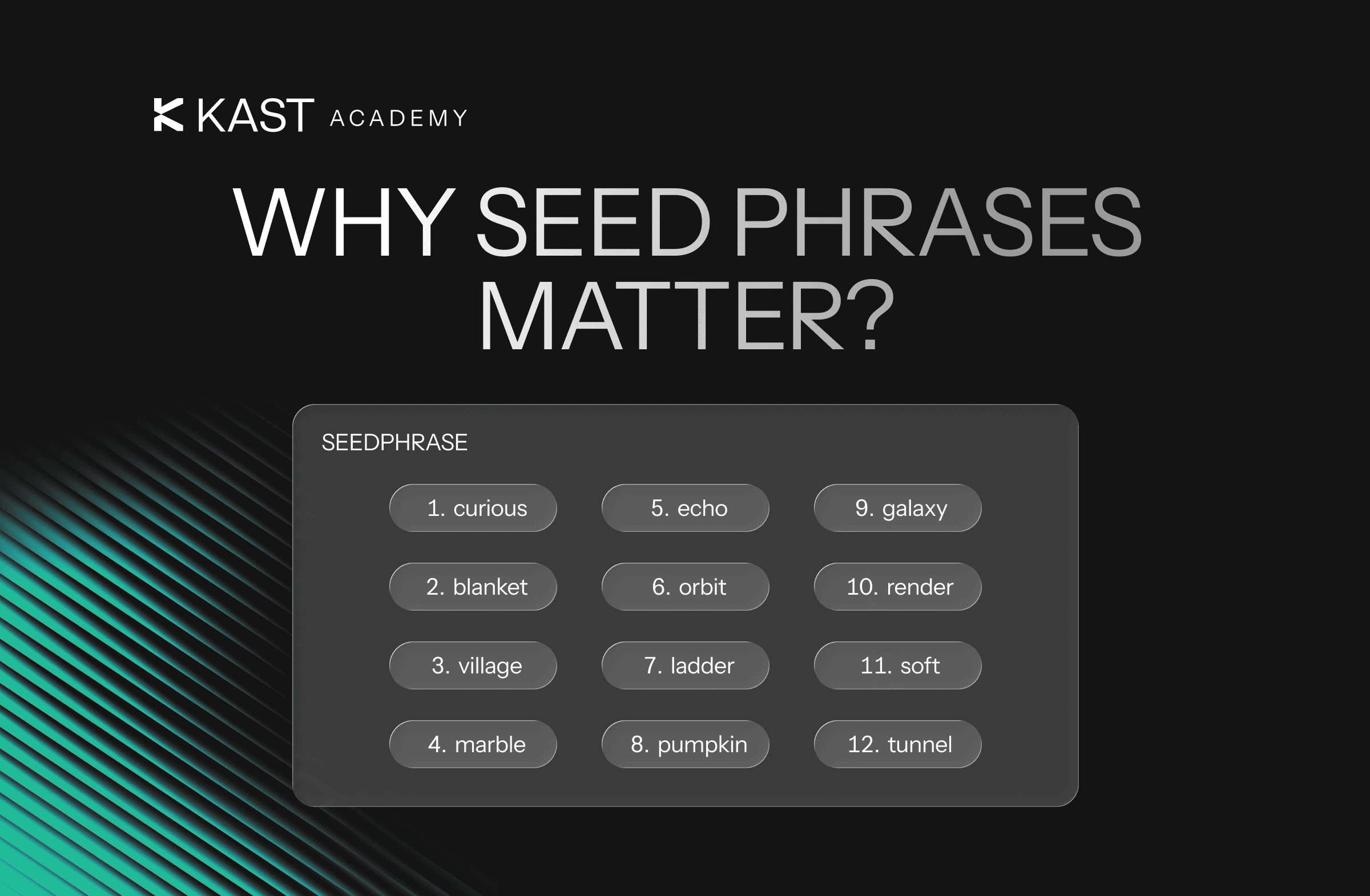
Seed Phrases Explained: Why KAST Handles the Keys for You
A seed phrase is the master backup to your crypto wallet, and losing it can mean losing access to your funds permanently. This guide explains how seed phrases work, the risks of self-custody, and why custodial models like KAST can make everyday crypto use simpler and safer.