Wolt and Uber Eats: Ordering Food with Crypto Abroad
Ordering food in a new country should be simple, but delivery apps often reject foreign cards at checkout. This guide explains what tends to break, what usually works instead, and how to make checkout feel normal again while traveling.
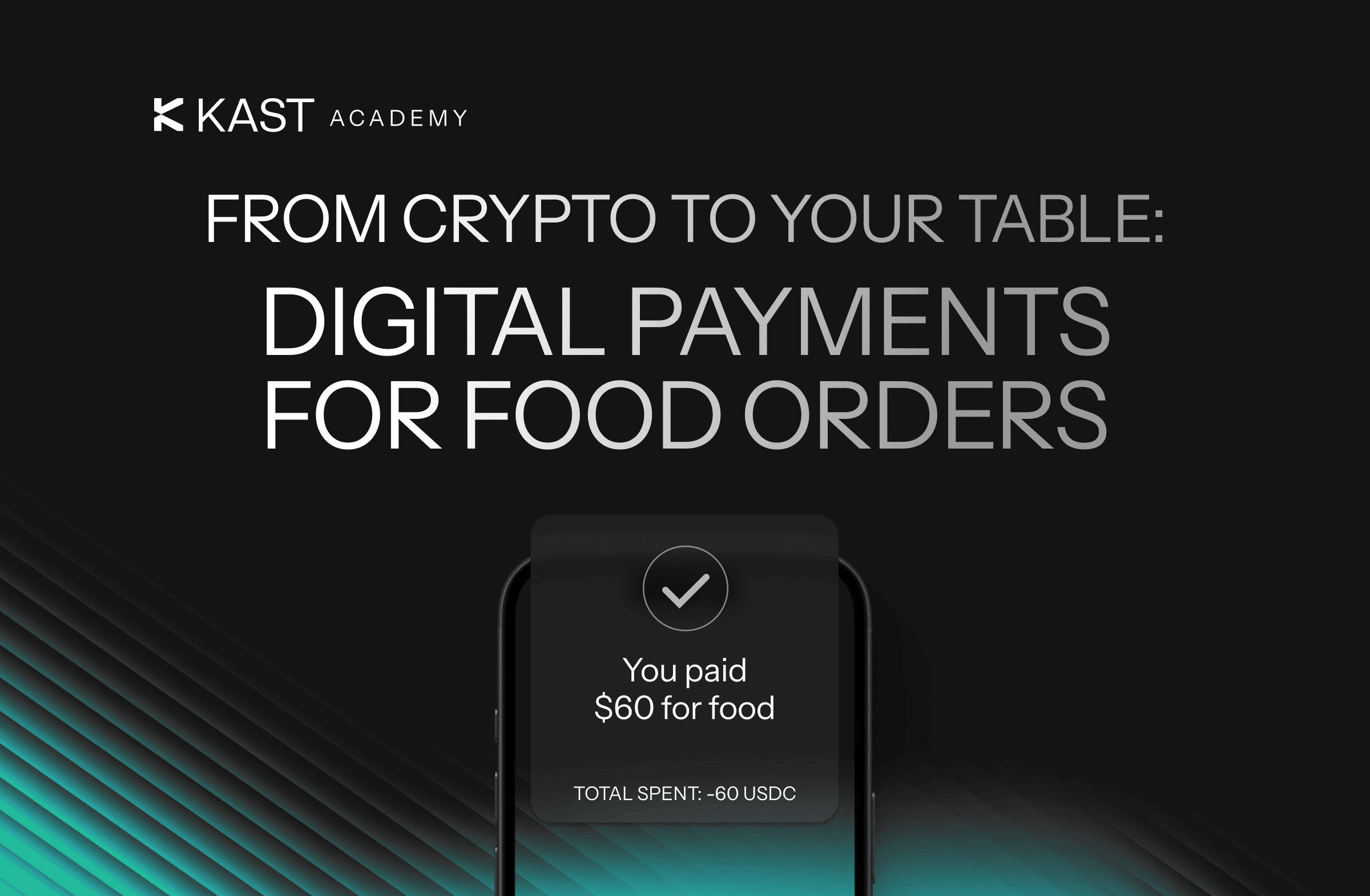
Key Takeaways
- Food delivery apps often decline foreign cards due to local processors, risk checks, and country mismatches.
- Apple Pay, Google Pay, PayPal, and gift balances can work more reliably than typing in card details.
- KAST helps you use digital dollars and stablecoins through standard card and wallet payments.
You land in a new country. You’re tired, maybe jet-lagged, and definitely hungry. You open a food delivery app expecting the usual routine: pick a restaurant, build your order, tap checkout.
Then the payment fails.
Sometimes the app asks for a local phone number. Sometimes your bank blocks the transaction. Sometimes everything looks fine until the final step, when the order suddenly gets rejected. And sometimes the fees show up and make you question whether instant noodles would have been the smarter choice.
If you’ve tried ordering from Wolt or Uber Eats while traveling, this situation probably feels familiar.
Many travelers end up asking the same thing: can you use Uber Eats in another country?
The short answer is yes. Your Uber Eats account usually works internationally, and the app automatically shows restaurants in your current location using your phone’s GPS. You do not need to create a new account or change country settings.
However, payment methods sometimes fail when traveling. Some users see a card declined error even after adding a new card or updating payment details.
Many food delivery apps rely on local payment systems, and transactions from foreign cards sometimes trigger extra checks. In some cases the app declines the card immediately. In others, the payment fails during processing even though everything looked fine.
This guide explains the practical side of ordering food abroad: what usually works, what tends to break, and how KAST fits in when you’re moving between countries.
Why Food Delivery Apps Fail Abroad
Most of the time, the issue is not your balance.
It’s the rules behind how the app attempts to process card payment.
Some Apps Reject Foreign-Issued Cards
Many delivery apps send payments through local payment processors. Those processors often treat foreign cards as higher risk when the app tries to process card payment.
That can mean:
- Card declined errors
- Extra verification steps
- Messages like “payment method not supported.”
You still have the funds. The system just doesn’t like the card’s country of origin.
Address and Country Mismatches
Food delivery apps compare a surprising number of signals before approving a payment.
For example:
- App Store country
- Phone number country
- Delivery address
- Billing address
- Card issuing country
If several of those don’t match, the payment may be declined or the app may show a payment error.
Cards That Work In-Store Can Still Fail In-App
Paying in person is straightforward. Tap your card or phone and the transaction clears.
App payments involve more steps. Risk checks, pre-authorizations, tokenization rules, and account verification can all happen before the payment completes.
So it’s entirely possible for your card to work at the physical checkout, then get declined inside the delivery app ten minutes later.
What to Do When a Food Delivery App Rejects Your Payment Method
When an app refuses your card, repeatedly trying the same payment usually doesn’t help.
Most travelers eventually switch to a payment method the app already trusts.
That often means one of these:
- Apple Pay
- Google Pay
- PayPal
These options can succeed even when entering card details fails. The reason is simple: the app does not process your raw card number directly. It is processing a secure payment token from the wallet provider.
That small difference can make the checkout process behave much more predictably.
If those options aren’t available, another workaround is gift cards.
You buy credit for the platform first. Then your order uses that credit instead of creating a new card transaction at checkout. It’s not glamorous, but it avoids the payment approval step that causes most failures.
Just check three things before buying one:
- The gift card works in the country you’re ordering from
- The credit can be used for delivery orders, not just pickup
- The platform actually supports gift balances for your type of order
Gift cards are simple. Sometimes a little too simple. Some are region-locked, which means you can end up with credit that works for the brand but not for your location.
Not ideal when you’re hungry.
If Uber Eats declines your card, it’s worth to follow on a few basic things first. Make sure the card details were entered correctly and that the card is still active. Removing expired cards from your account can also prevent conflicts during checkout.
Paying With Crypto for Food Delivery
Most food delivery apps do not accept cryptocurrency directly.
So the practical approach is to convert crypto into a payment method the app already recognizes.
Usually that means one of two things:
- Paying with a card linked to your crypto balance
- Buying gift cards using crypto, then redeeming them in the delivery app
From the app’s perspective, the payment still looks like a normal card payment. It’s just a standard card transaction or stored credit.
The crypto part happens on your side before the payment reaches the platform.
This approach avoids asking delivery apps to support a new payment system. Instead, you use the payment flows they already understand.
Using KAST for Food Delivery Abroad
This is where KAST becomes useful.
Travel exposes a gap between how money moves digitally and how payment systems expect it to behave. You might hold digital dollars or stablecoins, but most everyday apps still expect a standard card payment.
KAST focuses on that gap.
Instead of forcing merchants or apps to accept crypto directly, KAST provides a card where your deposited balance determines your credit limit and use familiar payment methods like cards and mobile wallets.
From the delivery app’s perspective, this can look like a standard card payment.
For travelers, that matters.
Using a card with a credit line secured by your deposited balance helps keep the process predictable.
The card can be added to a delivery app the same way as any other payment card. If the platform supports Apple Pay or Google Pay, adding the card to your phone wallet can sometimes turn a failed checkout into a successful one.
The goal isn’t to change how the app works. It’s simply to make sure the payment method behaves like the kind of payment the app expects.
That way the experience stays familiar.
- Open the delivery app
- Build the order
- Choose the payment method
- Check out
No unusual setup. No extra negotiation with the payment system.
Another practical benefit is visibility. When traveling, payments can become messy quickly. Different currencies, different fees, and transactions happening across multiple platforms.
What most people want after paying is simple clarity.
- The amount charged
- The time of the transaction
- The fee applied
Seeing that information immediately in a payment app makes it much easier to track spending while moving between countries.
None of this eliminates the troubles of delivery apps entirely. Payment systems still vary from country to country. But having a card that behaves consistently makes those situations easier to navigate.
And when you’re tired and hungry, the last thing you want is a checkout screen that won’t accept your card.
Real Examples: Ordering Food Delivery With Crypto
Theory is helpful, but checkout screens tell the real story.
Below are two quick examples showing what it looks like to order food delivery abroad using a crypto-funded card. The goal is simple: show the exact flow from checkout to payment confirmation so you know what to expect.
How to Order Uber Eats With Crypto
You’re in London and open the Uber Eats app to place an order.
After picking a restaurant, you head to checkout and select your KAST card as the payment method. The payment processes immediately and the order moves straight to confirmation without any payment failed message.
No additional verification appears, and the checkout screen doesn’t loop back to payment selection.
Again, the virtual card works without any special setup.
The transaction shows up in your payment history within seconds, including the amount charged and the authorization details. You also receive cashback in the form of KAST points and MOVE tokens.
- Total: €26.98
- Payment authorization: 12:05
- Payment confirmation: 12:05
Uber Eats processes the KAST card like a regular card payment, so the checkout flow stays simple.
When ordering abroad, the Uber Eats app usually keeps the interface in your preferred language while showing prices in the local currency. In some markets Uber also offers Preferred Currency Pricing, which lets you pay in your home currency for about a 1.5% conversion fee.
It can also help to update your account with a local phone number while traveling. Delivery drivers sometimes need to call or message for entry instructions, and a local SIM can ensure there are no communication issues.
Note that if the payment problem continues, you can confirm the details in your account and possibly contact Uber Eats customer support through the website for further assistance.
How to Order Wolt With Crypto
You decide to order KFC through Wolt.
You build the cart, tap checkout, and select your KAST card as the payment method. The app processes the payment immediately and moves straight to order confirmation.
No verification prompts. No payment errors.
The receipt shows the order total and the transaction ID, and the payment appears instantly in the KAST activity screen.
- Total: $15.84
- Payment authorization: 1814
- Payment confirmation: 18:14
The time between authorization, capture, and confirmation is short, which makes the whole process feel straightforward. You place the order, the payment clears, and the food starts moving.
Wolt treats the KAST card like a standard payment card, so checkout works normally.
Summary of Transactions
Ordering Food Abroad With Crypto Can be Simple.
Ordering food while traveling shouldn’t require troubleshooting a payment system.
Ideally, you choose a restaurant, pay, and wait for the doorbell.
If the app rejects your payment method or shows a card declined error, alternative payments or gift cards can often solve the problem.
And if you want digital dollars and stablecoins to behave more like normal spending money across countries, using a payment method that fits standard card and wallet rails is usually the simplest path.
Disclaimer: This content is provided by KAST Academy for educational purposes only and is not intended as financial advice or a recommendation to engage in any transaction. All information is provided "as-is" and does not account for your individual financial circumstances. Digital assets involve significant risk; the value of your investments may fluctuate, and you may lose your principal. Some products mentioned may be restricted in your jurisdiction. By continuing to read, you agree that KAST group, KAST Academy, its directors, officers and employees are not liable for any investment decisions or losses resulting from the use of this information.
Related articles
Where Can I Use a Crypto Card: Online, In-Store, or at ATMs?
Crypto cards work everywhere traditional cards do: in-store, online, and at ATMs. Learn how to spend your Bitcoin and stablecoins seamlessly at any retailer accepting Visa or Mastercard, with instant crypto-to-fiat conversion happening behind the scenes.
How I Use KAST in My Daily Life: Tips From Real Experience
Using KAST across Mexico and Latin America showed me how simple managing money across borders can actually be. By connecting crypto, SPEI transfers, and everyday card spending, KAST turns digital income into practical financial tools that work anywhere.
How Can I Spend My Crypto Using KAST Card in Armenia
How does KAST actually perform at the register? We’re in Yerevan testing a real in-store payment to show you the full flow: the tap, the receipt, and the immediate cashback.