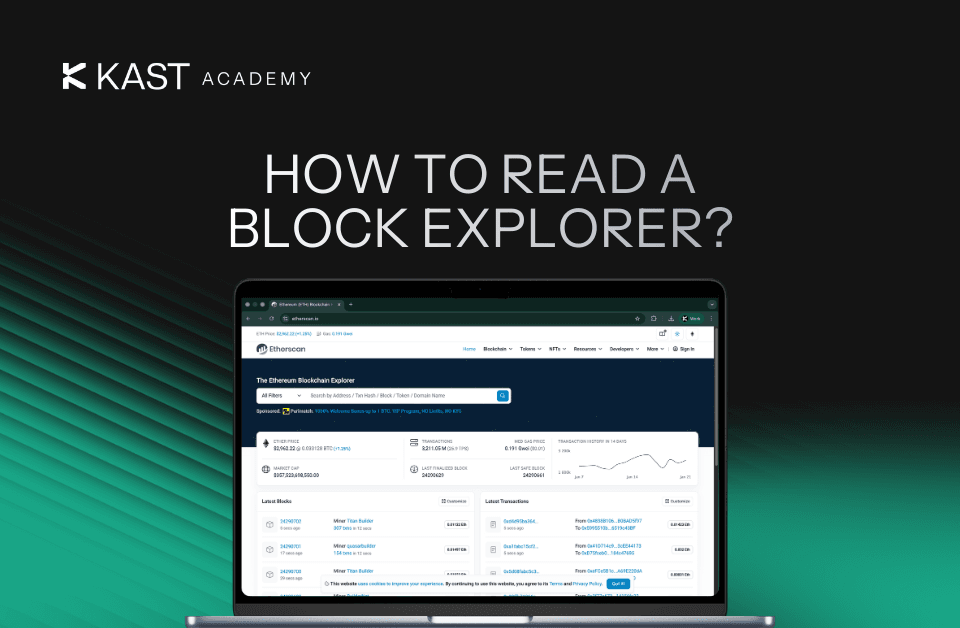
How to Read a Block Explorer: Tracking Your Card Top-Ups
Ever sent crypto and wondered if it actually went through? This guide shows you how to use a block explorer to track your transaction in real time, understand confirmations, and see exactly when your KAST card top-up is ready to spend.
Key Takeaways
- Block explorers let you track any blockchain transaction in real time using a transaction hash (TXID).
- Your transaction moves through stages: broadcast, pending in the mempool, confirmed in a block, and finalized after multiple confirmations.
- You can use the same block explorers to verify KAST card top-ups and see when your funds are ready.
Sent crypto and want to know exactly where it is?
Instead of guessing or refreshing your balance, you can check the transaction directly on the blockchain in real time.
This comes up a lot with card top-ups. You add funds to your KAST account, expect them to show up quickly, and then find yourself checking your balance again just to be sure.
Every crypto transaction is recorded on the blockchain and can be viewed publicly. A block explorer lets you access that information instantly using your transaction hash.
In this guide, you’ll learn how to use a block explorer, understand each field, and quickly verify the status of your transaction without relying on your wallet balance alone.
What Is a Block Explorer?
Think of a block explorer as Google for blockchains.
You can look up transactions, wallet addresses, blocks, and smart contracts. Everything on a blockchain is public and permanent, and block explorers let you see all of it.
When you send USDC, USDT, or any other crypto, your transaction gets broadcast to the blockchain network. Within seconds, you can paste your transaction hash into a block explorer and see:
- Is it pending, confirmed, or did it fail?
- Which wallet sent it and which wallet received it?
- How much was sent?
- What fees were paid?
- How many confirmations does it have?
- What time did it happen?
Different blockchains have different explorers:
Block explorers don't control transactions. They just show you what's already happening on the network.
How to Track a Crypto Transaction Using a Block Explorer
Once you open your transaction in a block explorer, here's what you're looking at.
Transaction Hash / Signature
The unique identifier for your transaction. On Solana, it's called a "signature." On Ethereum, it's a "transaction hash." Same thing.
This is the string you'll share if you need to share proof of payment.
Status
The current state of your transaction:
- Success / Confirmed: Done. Your transaction went through.
- Pending: In progress. The network is still working on it.
- Failed: Rejected, usually due to insufficient funds, gas issues, or a smart contract error.
If your transaction shows as pending, you’re fine. The network just hasn't confirmed it yet.
Block / Block Height
The specific block number where your transaction was recorded. Blocks are added in order, so a higher block number means a more recent transaction.
Confirmations
The number of blocks added after the one containing your transaction. More confirmations mean greater finality and security.
For most networks, 1–2 confirmations are enough for everyday transfers. Exchanges and platforms may require more for larger amounts.
From / To
- From: The wallet address that sent the funds.
- To: The wallet address that received the funds.
These addresses are public, but they don't reveal your identity unless you chose to share it.
Amount
The total value transferred, displayed in the token's native unit (e.g., USDC, USDT, SOL).
Transaction Fee / Gas Fee
The network fee paid to validators for processing the transaction. This is a cost required by the blockchain itself, not an app or platform.
Fee amounts vary by network and congestion:
- Solana: Typically < $0.001
- Arbitrum: ~$0.01
- Ethereum: $0.01–$5.00+ (depending on congestion)
- Tron: Often free or < $0.01
Timestamp
The exact date and time when the transaction was included in a block. All times are in UTC unless the explorer adjusts for your local timezone.
How to Interpret Transaction Status
When you open a transaction in a block explorer, you’ll see it move through a few key states. Understanding these states helps you quickly tell whether your funds are on the way or already confirmed.
Step 1: Broadcast
You send crypto from an exchange, wallet, or platform to a destination address. Your wallet signs the transaction with your private key and broadcasts it to the network.
Step 2: Pending (Mempool)
Once broadcast, your transaction enters the mempool (memory pool). This is where all pending transactions sit before validators or miners pick them up.
Transactions aren't processed in strict order. Validators usually prioritize transactions that pay higher fees. If the network is congested, low-fee transactions may wait longer.
Step 3: Confirmed
A validator grabs your transaction from the mempool and includes it in the next block. Once that block gets added to the blockchain, your transaction has its first confirmation.
Step 4: Finalized
Every block added after yours counts as an additional confirmation. The more confirmations, the harder it becomes to reverse or alter your transaction.
Different networks require different confirmation thresholds:
Step 5: Your Balance Updates
Once enough confirmations are in, your funds show up and you can spend them. The whole thing usually takes seconds to a few minutes, depending on which network you used.
How to Find Your Transaction Hash (TXID) in KAST
Before you can track it, you need your transaction hash. This is a unique code that identifies your specific transaction on the blockchain.
Finding your TXID in the KAST app:
- Open the KAST app
- Tap Accounts
- Tap Transactions to see your full transaction history
- Select the transaction you want to track
- Your TXID will appear under Public Transaction ID
- Tap the external link icon next to it to open the transaction directly in a block explorer
Alternatively, if you initiated the transfer from an exchange or external wallet, you can find the TXID in that platform's transaction history.
What to Do If a Crypto Transaction is Pending
If things are taking longer than expected, here's what to look for:
- Is it on the blockchain yet? If you can't find the transaction hash, it might not have been sent out yet.
- How many confirmations does it have? If the number keeps going up, your funds are on their way.
- Did you use the right network? Sending to the wrong network can mean your funds are lost. Always double-check.
- Was your fee too low? On busy networks, low fees can slow things down or stop them completely.
- Are there any error messages? Block explorers usually tell you exactly what went wrong.
Check the error details on the block explorer. If you're not sure what they mean, contact support and give them your transaction hash.
Why KAST Card Top-Ups Are Fast
Now, let’s talk about topping up your KAST card specifically.
KAST lets you spend your crypto like a regular card, so topping up is how your funds become usable in the real world.
When you add funds to KAST, settlement is quick. Here's why:
KAST Uses the Fastest Networks
KAST supports blockchain networks that are built for speed and low costs:
- Solana: Confirmations in under a second with full finality in 12 seconds.
- Arbitrum: Nearly instant confirmations, tiny fees
- Tron: Usually free or nearly free, confirmed in under a minute
No 10-minute waits. No painful fees.
Your Balance Updates Right Away
Once your transaction gets the confirmations it needs, your KAST balance updates automatically. You can spend right away. No waiting for someone to approve it manually.
Everything is Visible on the Blockchain
Every deposit you make can be verified on the blockchain. If you ever need to prove you paid, just pull up the transaction on a block explorer and share the transaction hash. No back-and-forth required.
Other Ways You'll Use Block Explorers
Block explorers aren't just for tracking deposits. Here are some other things you'll do with them:
Checking Withdrawals
Did you send funds to another wallet? Use the transaction hash to confirm it arrived and see how many confirmations it has.
Fixing Failed Transactions
If a transaction fails, the block explorer shows you the error message. This helps support figure out the problem faster.
Proving You Paid Someone
Did you pay someone directly in crypto? Send them the transaction hash. They can verify the payment on a block explorer. They don't need to take your word for it.
Checking Network Fees
Planning a big transfer? Look at recent transactions on the block explorer to see what fees are like right now and estimate your cost.
Here's What You Need to Remember
Block explorers show you everything about your transactions.
You can see where your funds are, how many confirmations they have, and when they'll be usable, all in real time.
Paste the transaction hash, check what you need, and move on with your day.
Ready to start tracking your transactions?
Top up your KAST card and follow along with a block explorer.
Disclaimer: This content is provided by KAST Academy for educational purposes only and is not intended as financial advice or a recommendation to engage in any transaction. All information is provided "as-is" and does not account for your individual financial circumstances. Digital assets involve significant risk; the value of your investments may fluctuate, and you may lose your principal. Some products mentioned may be restricted in your jurisdiction. By continuing to read, you agree that KAST group, KAST Academy, its directors, officers and employees are not liable for any investment decisions or losses resulting from the use of this information.
Related articles
Blockchain Confirmations Guide: ‘Instant’ Payments Aren't Always Final
Crypto payments feel instant, but finality takes time. Here’s what really happens after you hit send, why confirmations matter, and how KAST removes that friction from everyday spending.
Why Settlement Time Matters for Your Card Balance
Ever notice your card balance update hours or days after you’ve already paid? That delay is settlement time. This guide explains how card transactions really work, why balances don’t change instantly, and how on-chain settlement with KAST helps your balance update faster and more transparently.
What Are Gas Fees and Why Are They So Cheap on Solana?
Gas fees are the cost of processing transactions on a blockchain. Some networks charge dollars or more per transaction, while others charge fractions of a cent. The difference comes down to how each blockchain is designed, and why Solana makes everyday crypto spending fast and cheap.